You manage
- The invitation
- The participants
- The Event details
- The messages sent to participants
How it works
moodboom supports the organiser and the participants before, during and after the Event.
Create the space and invite your audience. Share your photos, videos, comments and reactions in the Live, then revisit what you experienced together.
It all starts simply
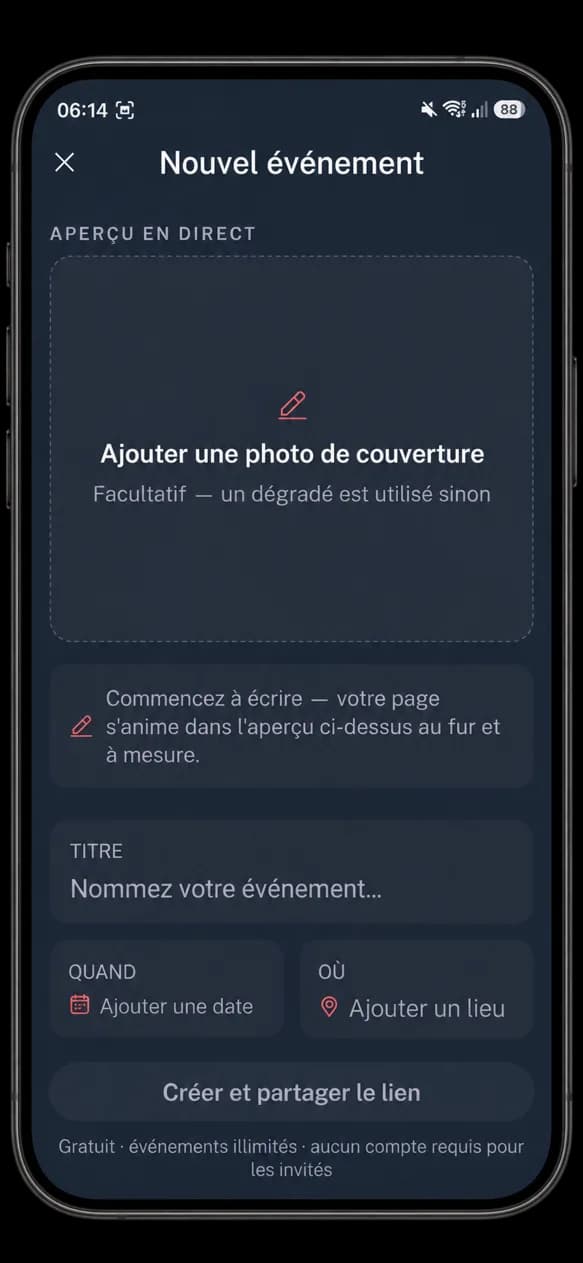
An image, a title, a description, a location, a date and a time are all it takes to create your Event.
Its moodboom space is then yours.
Bringing participants together
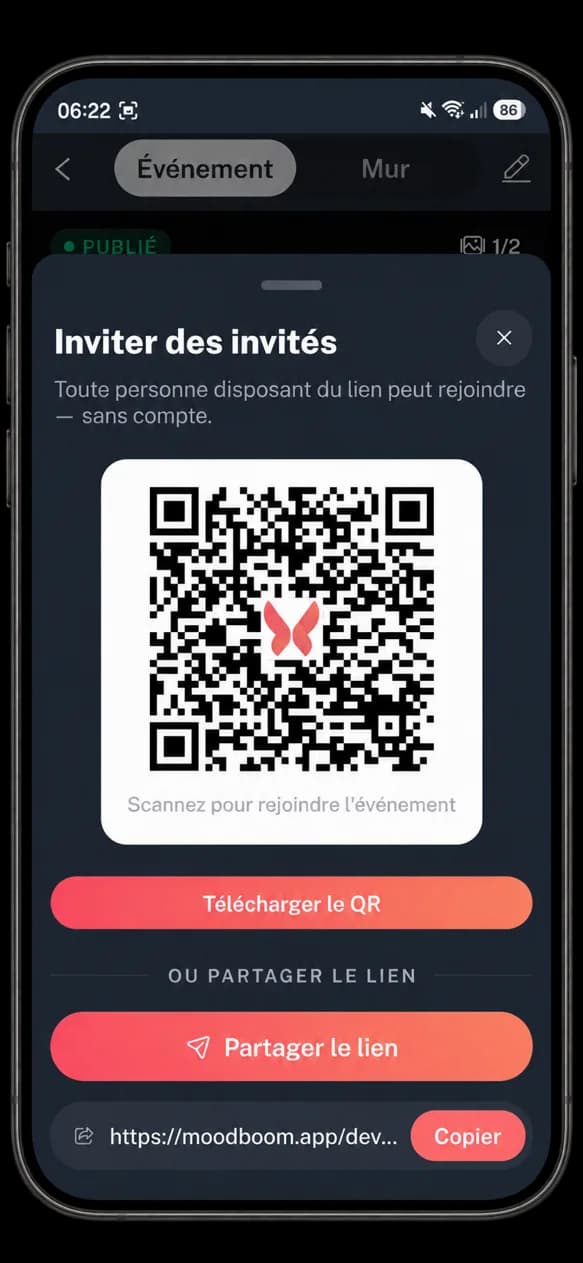
Share the invitation on your website, your social media, your printed materials or directly with the people concerned.
Participants install moodboom and create their Account if needed, then go straight to the Event.
No need to search for the Event. The invitation leads straight to it.
Before
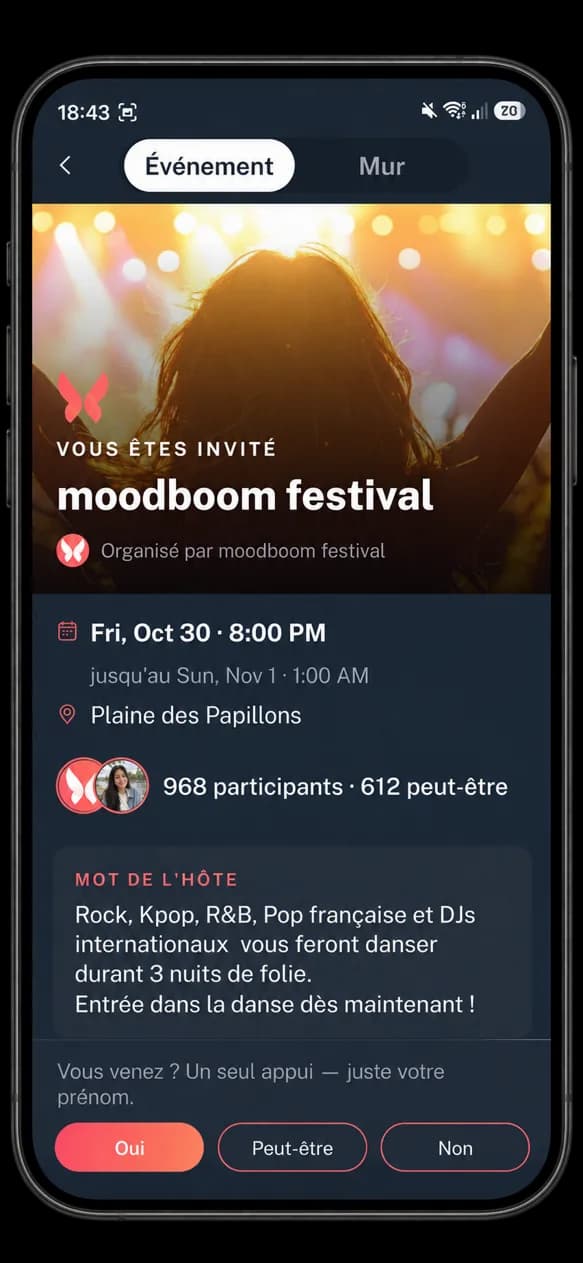
Before the start, the space gathers all the Event details in one place.
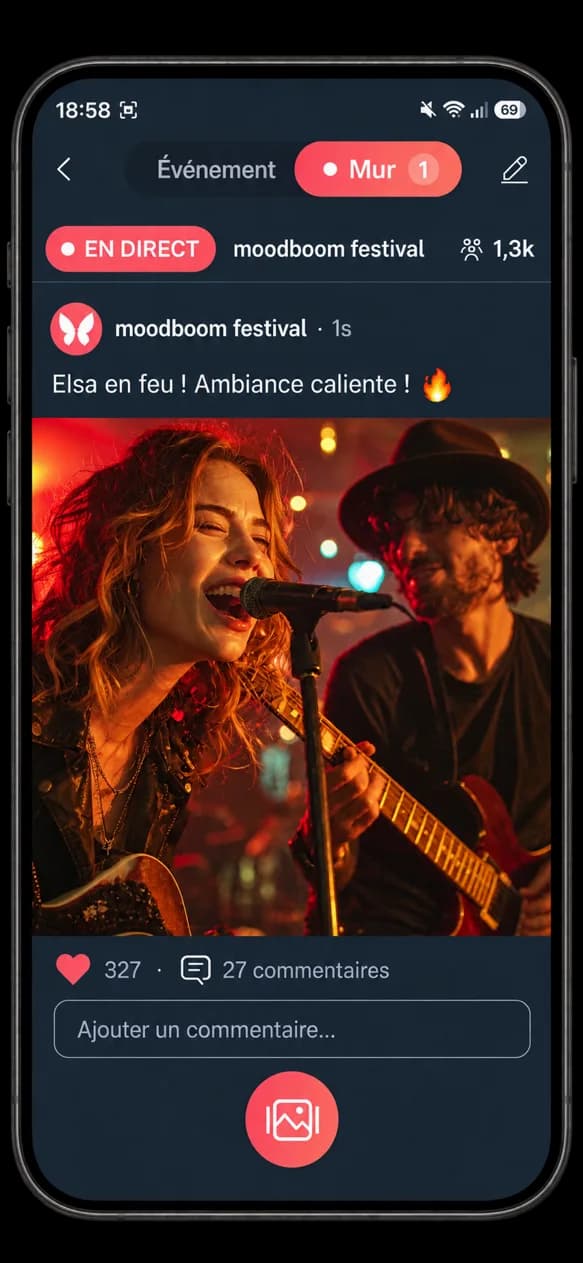
During
When the Event begins, the Live becomes the shared space.
Important messages are published to the participants.
Photos and videos show the Event from every point of view.
Comments and reactions keep the conversation alive during the Event.
After
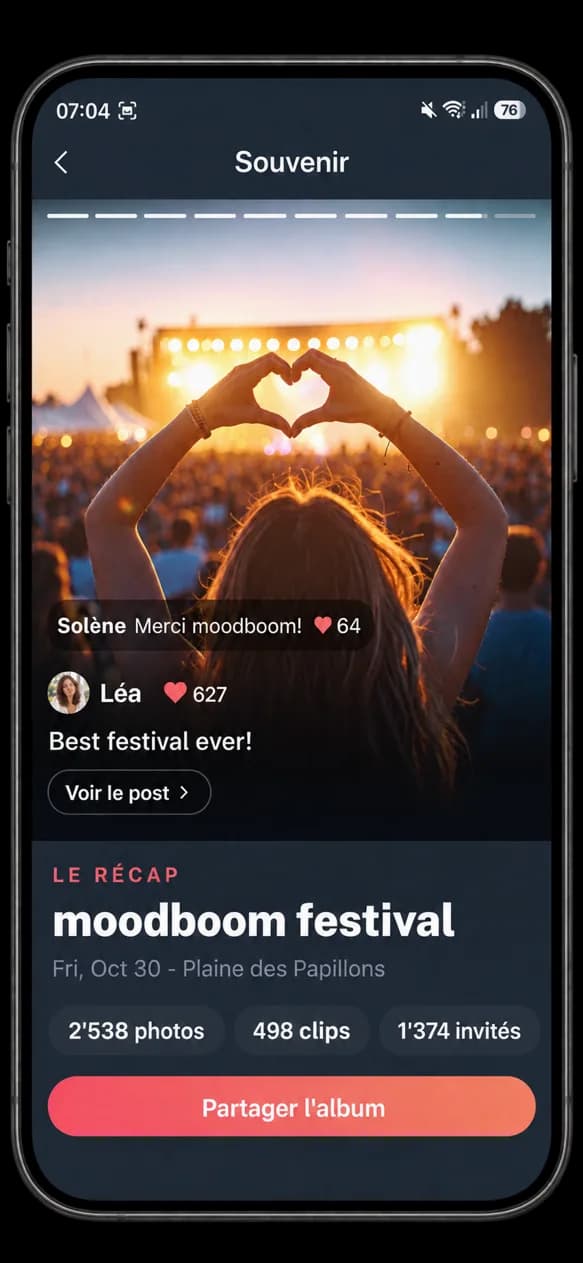
When the Event ends, the Live closes.
The content attached to the Event feeds its Memory and can be viewed after the Event, subject to the conditions of the plan in use.
The Event ends. What you shared stays.
Simple, at every step